

rectangle2

• 5h ago
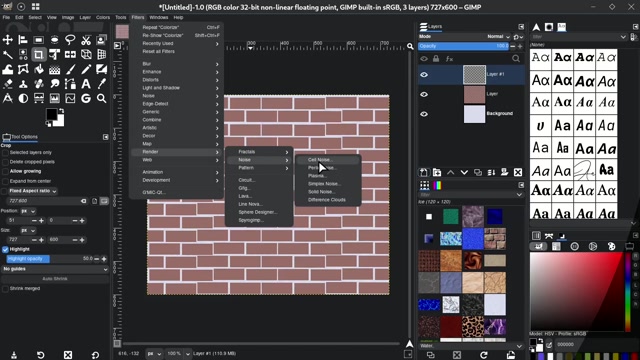
How-toA step-by-step tutorial demonstrating how to create a brick wall texture in GIMP, a free image editing software. The video begins with a blank canvas and shows the process of drawing a grid pattern, applying color fills, and using layer effects to simulate realistic brick and mortar. The creator uses tools like the rectangle select, bucket fill, and layer masks to build the texture, then adds shading and highlights for depth. The final result is a detailed brick wall background with text overlaid, showcasing the completed design. This instructional guide is ideal for digital artists, graphic designers, or anyone learning GIMP for texture creation or game asset design.
0 Comments
Login to comment